

images sends more than one picture at once: product angles, rooms, before and after. The platform teaches this block on every text channel and tells the model to use it, not a bare ::: image, whenever it shows pictures; see Response formatting.
Verified against lua-cli 3.33.0.
Syntax
Fields
Example
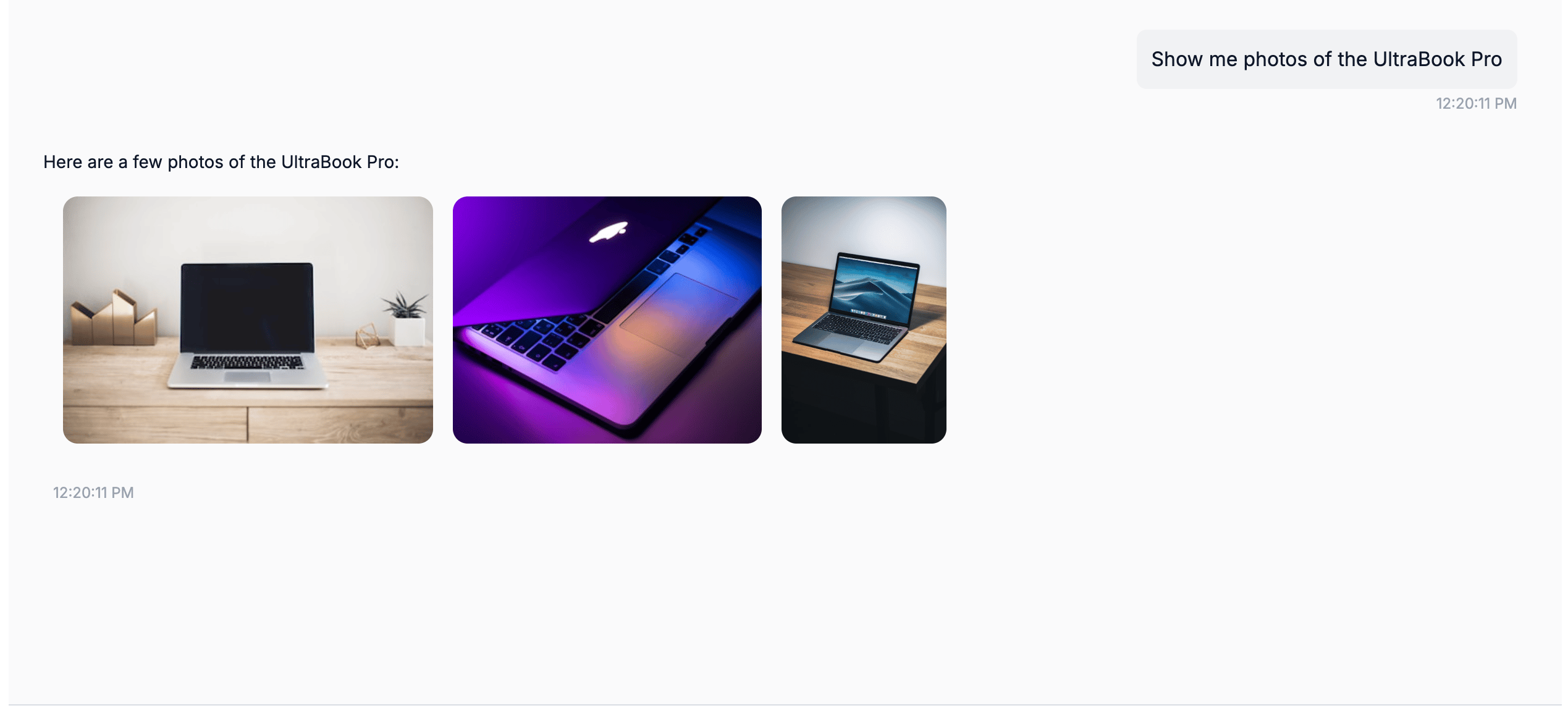
images rendered as a carousel in the web widget
Where it renders
A bare
 outside any block is also sent as an image on the messaging channels.
See also
- Response formatting — the per-channel matrix
- list-item — an image with a title and description
- documents — files rather than pictures